
Igobet Casino’s registration process begins with checking eligibility, completing the application form, confirming contact details and signing in for the first time. This guide covers each stage and explains how to regain access if you experience login difficulties.
Identity verification documents are required when making your first withdrawal. To help ensure the process runs smoothly, provide accurate personal information during registration so that your details can be matched with the documents submitted later.
| Account Function | Access Point | Required Information |
|---|---|---|
| Registration | New Account Form | Full name, date of birth, country of residence, email, password |
| Login | Account Sign-In Page | Registered email or username, password |
| Mobile Access | Mobile Website Login | Account credentials, compatible browser, internet connection |
| Password Reset | Forgot Password Tool | Registered email address, password-reset confirmation |
| Identity Verification | KYC Verification Section | Government-issued ID and any additional documents requested |
| Account Security | Security and Privacy Settings | Password controls, available 2FA option, verification details |






Before Signing Up: Eligibility and Registration Requirements
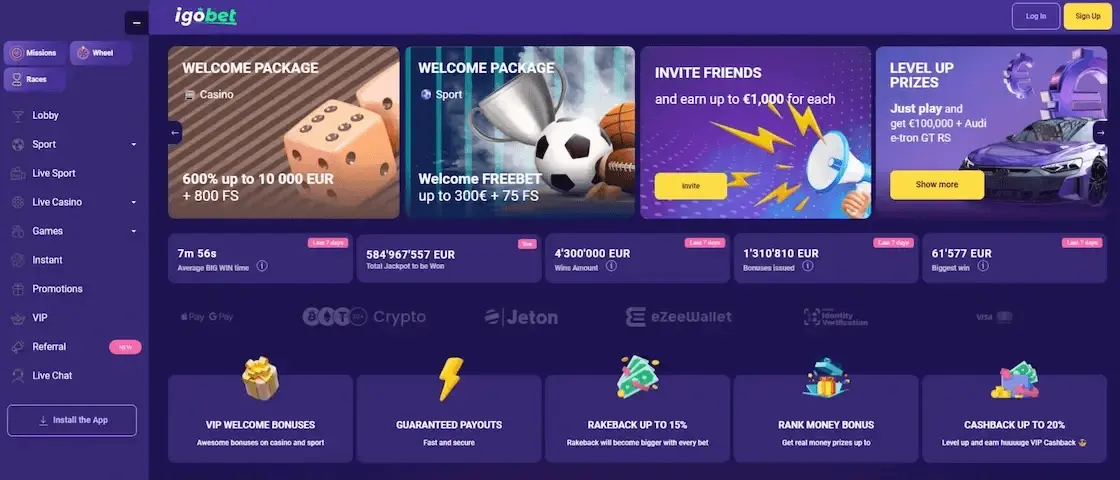
Before you apply, make sure you are legally old enough to gamble where you live and that you can provide your own accurate details. You must be able to access the email address or phone number you enter, because a confirmation or recovery message may be sent there.
We restrict registration from the USA, United Kingdom, Australia, France, Netherlands, Spain, Curaçao and Antigua, among other countries. Do not submit an application from a listed restricted country. Our interface includes English, French and Italian, but a language option does not establish eligibility in a particular country.
Our operator is Sapphire Summit, registered in Costa Rica under number 3-102-903325. Costa Rica does not provide online gaming licences through a regulatory authority, and that registration number is not a regulated gaming licence.
How to Open an Igobet Player Account
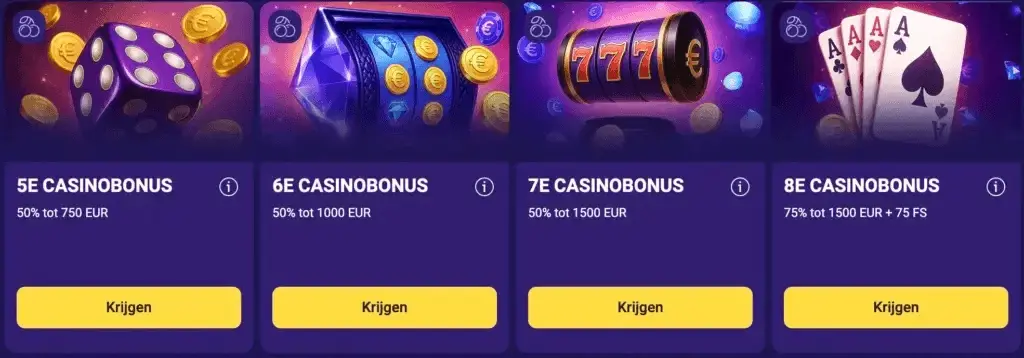
Use the registration form to submit your own information, then confirm your contact details and sign in with the credentials you created. The sequence below keeps the application and first-login tasks together, so you can identify where to resume if you are interrupted.
Follow these seven steps in order, from opening the registration form to checking your account after your first login. Keep access to your chosen contact method throughout the process.
- Step 1 — Open registration — Open Igobet Casino in your browser and select the registration option. Before entering information, confirm that you are legally old enough to gamble and are not applying from a restricted country.
- Step 2 — Complete the form — Enter the requested personal and contact details using your own information. Review the spelling, numbers and contact address carefully, and create a unique password that you can keep private.
- Step 3 — Confirm your contact — If a confirmation message is sent, open it through the email address or phone number you supplied and follow the link or code instructions. Check your junk folder if an email is missing.
- Step 4 — Accept and submit — Read the terms presented with your application, accept them if you agree, and submit any remaining registration information. If the form identifies an error, correct that field before trying again.
- Step 5 — Make your first login — Return to the login form and enter the credentials you created. Check capital letters and spelling if they are rejected; use the forgot-password option rather than guessing repeatedly.
- Step 6 — Review your profile — Open your account after signing in and review your personal and contact details. If you find an error you cannot correct yourself, ask our live chat team for help.
- Step 7 — Check security and verification — Locate your security settings and enable two-factor authentication if it is offered. Find the verification area too, and remember that we require identity documents at your first withdrawal.
Providing the Required Details in the Sign-Up Form
Enter the personal and contact information requested by the form. Use details that match your identity documents, and review spelling and numbers before submission; a mismatch can make it harder to connect a later verification request to your account.
Choose a contact address or number you control rather than one shared with another person. If you mistype it, a confirmation message may go elsewhere and you may need our support team to help correct the account record.
Setting Credentials and Submitting Your Application
Create a unique password and keep it private. Read the terms presented during registration before accepting them, then submit the form. If a field is rejected, correct the indicated entry rather than repeatedly sending the same incomplete application.
Verifying Contact Information and Confirming Account Access
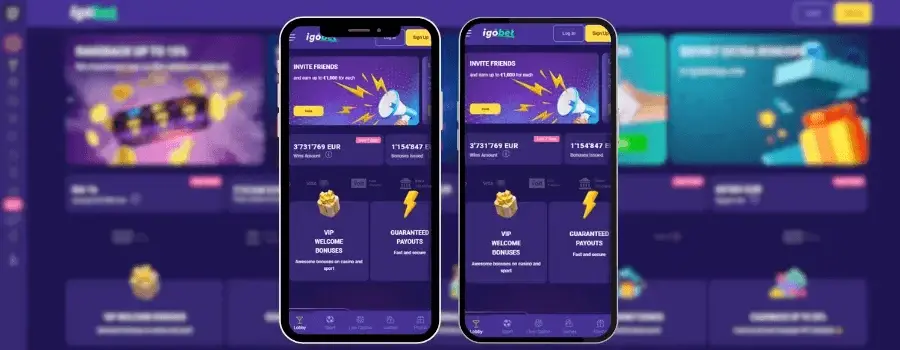
If we send a confirmation link or code, open the message through the contact method you supplied and follow its instructions. A code confirms access to that contact method; it does not replace the identity documents required at your first withdrawal.
After confirmation, return to the login form and enter your credentials. If the message does not arrive, inspect your spam or junk folder and confirm that the address or number on your application is correct before requesting another message.
Identity Checks and Documents That May Be Requested
We require KYC documents at your first withdrawal. When we request them, follow the instructions attached to the request and provide documents that identify you and correspond to the details on your account. Do not send another person's documents in place of your own.
Make each submitted image readable and include the information requested. If a document is unclear or does not match your account details, we may need a replacement or clarification before the identity check can proceed. Contact our support team if you cannot tell what a request requires.
Exploring the Personal Account After Registration
Once signed in, review your profile details and contact information for errors. Locate the account areas for security, verification and transactions so you know where to return when you need to update information or respond to a document request.
Our account supports EUR, USD and cryptocurrencies, including Bitcoin and Ethereum. Our minimum deposit is €30; withdrawal limits are €5,000 per week and €20,000 per month. Identity documents are required at the first withdrawal, so allow for that step when planning a withdrawal.
Login Protection and Responsible Account Management
Protect your credentials on both desktop and mobile. If two-factor authentication is offered in your account security settings, enable it and keep its recovery method secure; a second factor adds a separate check when you sign in.
On a shared device, sign out when you finish and do not save your password in the browser. On your own mobile device, a saved session can reduce repeated logins, but anyone with access to an unlocked device may also be able to open that session.
Keep control of your play as well as your login. Decide what you can afford before depositing, and stop or take a break if you find yourself trying to recover losses. Contact us through live chat if you need help with your account.
These habits protect both your login and your recovery route. Apply them before a problem occurs, especially when you use more than one device to access your account.
- Use a unique password — Choose a password you do not use for another account, so a breach elsewhere does not automatically expose your login.
- Protect your recovery contact — Secure the email account or phone used for recovery, because access to it can allow someone to request a password reset.
- Use a second factor — If our security settings offer two-factor authentication, activate it and store any recovery information somewhere separate from your login device.
- Sign out on shared devices — End your session after using a shared computer or phone, and decline browser prompts to save your credentials there.
- Keep your device protected — Use a screen lock and install device security updates, particularly if you remain signed in on your own mobile phone.
Registration Restrictions and Reasons for Rejected Applications
An application can fail when required fields are incomplete, contact details are incorrect or the information supplied cannot be reconciled with identity documents. Review the form's specific error message and correct the affected field before trying again.
Country restrictions are a separate eligibility issue: correcting a form entry does not make a player in a restricted country eligible. If you believe your application was rejected in error, explain the issue to our live chat team rather than submitting altered personal details.
Fixing Sign-Up Errors and Verification Delays
Start with the message shown on the form or in your account. Correct a specific entry, retry the relevant action once, and keep any document request or error text available when you contact us. Our live chat is available 24/7.
For a delayed identity check, make sure you have supplied every document we requested and that each image is legible. If you have already submitted them, ask our support team whether further information is needed instead of repeatedly uploading the same files.
Use these fixes for the specific problem you see. If the suggested action does not resolve it, tell our live chat team what happened and which step you reached.
- Forgotten password — Select the forgot-password option on the login form, enter the requested account detail and follow the recovery message to create a new password.
- Confirmation message missing — Check your spam or junk folder and the contact detail you entered; request another message if the form offers that option.
- Login details rejected — Check the spelling of your login detail and password, including capital letters, then use password recovery if you cannot remember the password.
- Account locked — Stop repeated login attempts and contact our live chat team; explain the lockout so we can help you recover access securely.
- Verification taking longer — Review our document request for missing or unreadable files, then ask live chat whether we need anything further from you.