






Is it possible to use multiple payment methods for deposits at Igobet Casino, or am I limited to just one?

Igobet Casino’s banking guide outlines the available ways to deposit funds, the steps for completing transactions and the procedure for requesting withdrawals. The platform supports several payment methods, with a minimum deposit requirement of €30.
Withdrawals are capped at €5,000 per week and €20,000 per month. Identity verification documents must be provided when making the first withdrawal, so players should be prepared to complete the KYC process before requesting a payout.
| Payment Method | Deposit Type | Processing | Required Data |
|---|---|---|---|
| Bank Card | Debit / Credit | Issuer authorisation | Card number, expiry, CVV, amount |
| E-Wallet | Digital transfer | Wallet approval | Wallet account, balance, transaction ID |
| Bank Transfer | Bank deposit | Bank settlement | Recipient account, bank reference |
| Prepaid Voucher | Voucher redemption | Code validation | Voucher code, value |
| Mobile Payment | Mobile-authorised payment | Device confirmation | Linked account, amount, approval |
| Cryptocurrency | Blockchain transfer | Network confirmation | Asset, network, wallet address, TXID |
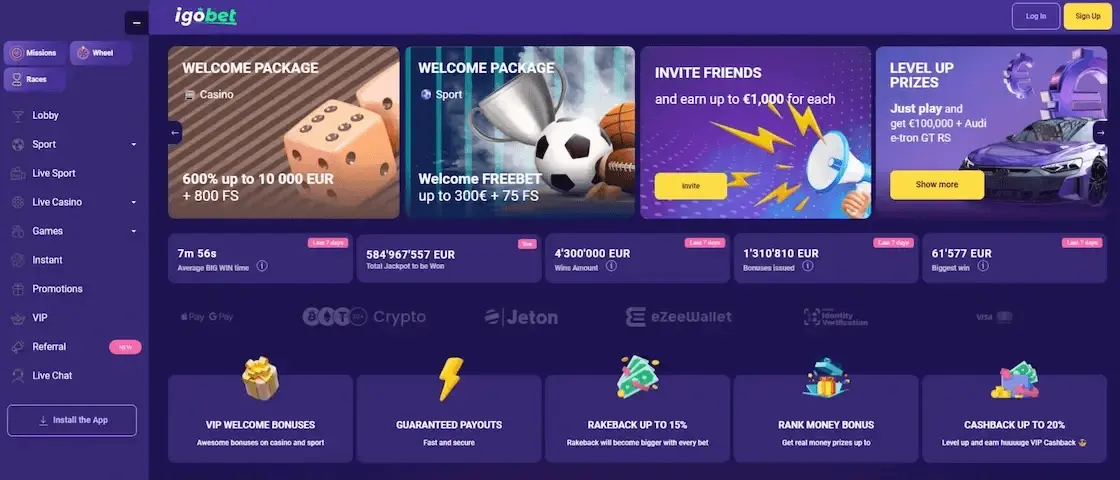
Use our cashier to start a deposit or request a withdrawal from your player account. A deposit moves money into your playing balance; a withdrawal request moves funds out through a payment process after any required checks.
Keep the payment confirmation until the transaction appears in your account. If a payment is not reflected in your balance, its reference and amount can help us investigate without you sending a duplicate payment.
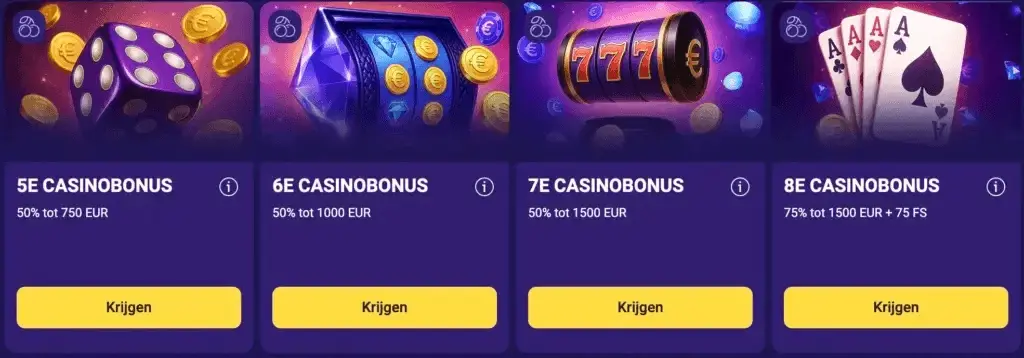
We accept bank cards, e-wallets, bank transfers, prepaid vouchers, mobile payments and cryptocurrencies. Choose a method you can authorise and for which you can retain a transaction record.
We accept the payment types below for deposits. Choose according to how you can authorise the payment and what transaction record you can retain.
For a card payment, enter the requested card information and complete any authorisation presented by your bank. For a bank transfer, use the payment instructions and include any reference requested so the transfer can be identified.
A bank transfer and a card payment follow different payment processes. Do not assume that a transfer has reached your playing balance merely because you have submitted it through your bank.
An e-wallet payment uses your wallet account to authorise the transaction. A prepaid voucher uses a code or other redemption details, while a mobile payment requires the authorisation presented on your device.
For cryptocurrency, send the asset to the receiving address using the specified network. Bitcoin and Ethereum are among the cryptocurrencies we accept; a mismatched asset, network or address can prevent a transfer from reaching its intended destination.
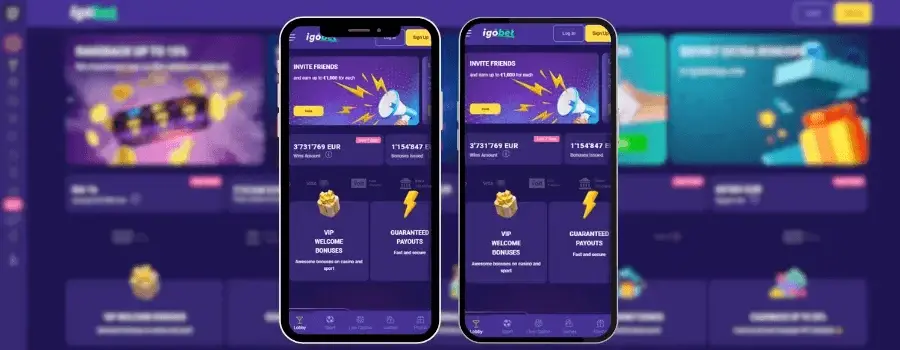
Sign in before opening our cashier, then select a deposit method and enter an amount of at least €30. Complete the payment authorisation and return to your account to see whether the balance has updated.
To withdraw, use the withdrawal function in our cashier and submit the requested details. Our first-withdrawal KYC requirement is separate from the payment authorisation you complete when depositing.
Follow these steps in order to fund your account and then request a withdrawal. Keep your payment and withdrawal references until each transaction is resolved.
Our minimum deposit is €30. Entering less than that minimum will not meet our stated deposit condition, so adjust the amount before submitting your payment.
We limit withdrawals to €5,000 per week and €20,000 per month. These are withdrawal limits, not deposit limits; take both periods into account when deciding how much to request.
We support EUR, USD and cryptocurrencies, including Bitcoin and Ethereum. When making a cryptocurrency transfer, the asset and network you select must match the receiving instructions rather than simply the currency name.
A payment provider or cryptocurrency network may apply a charge during a transaction. Review the amount and any charge presented before authorising it; a network charge can reduce the amount sent or add to your payment cost.
We restrict players from the USA, United Kingdom, Australia, France, Netherlands, Spain, Curaçao and Antigua, among other countries. Do not attempt to fund an account if you are in a restricted country.
A payment can pass through authorisation, transfer and confirmation before it is reflected in your account. Cryptocurrency transfers also depend on network confirmation, so a submitted transaction is not the same as a confirmed one.
For a withdrawal, a pending status means the request has not yet completed. Our first-withdrawal verification can be part of that process; keep your request details available if you need to ask us about its status.
We require KYC documents at your first withdrawal. Provide the documents requested for that check and make sure the information you submit is legible, so we can assess it against your account details.
Use the payment authorisation process presented for your transaction rather than sharing passwords or one-time codes with another person. Keep transaction references for support, but do not send sensitive credentials in a chat message.
A withdrawal can take longer when information is missing or a request needs clarification. Use these actions to prepare and make an enquiry easier.
A deposit can fail if the payment details are incorrect, authorisation is declined or the available funds do not cover the transaction. Review the payment response and correct the relevant detail before trying again.
If money has left your payment account but your playing balance has not updated, retain the reference and contact our 24/7 live chat. Give us the method, amount and transaction reference rather than making another payment while the first is unresolved.
Is it possible to use multiple payment methods for deposits at Igobet Casino, or am I limited to just one?

I noticed Igobet Casino accepts e-wallets for deposits. Are there any fees involved when using them?

I tried to deposit with my credit card but the transaction didn't go through. Does Igobet Casino have specific restrictions on card types?

Depositing via bank transfer at Igobet Casino took longer than expected. Are deposits usually instant or should I expect delays?
I appreciate that Igobet Casino offers cryptocurrency as a deposit option. It made funding my account very convenient.
Are there minimum deposit amounts I should be aware of when using different payment methods at Igobet Casino?
I found the deposit page a bit confusing, especially when selecting payment methods. Some clearer instructions would help.
I like that Igobet Casino supports instant deposits with popular payment options, which makes starting to play faster.
Is it possible to use multiple payment methods for deposits at Igobet Casino, or am I limited to just one?
I noticed Igobet Casino accepts e-wallets for deposits. Are there any fees involved when using them?
I tried to deposit with my credit card but the transaction didn't go through. Does Igobet Casino have specific restrictions on card types?
Depositing via bank transfer at Igobet Casino took longer than expected. Are deposits usually instant or should I expect delays?
I appreciate that Igobet Casino offers cryptocurrency as a deposit option. It made funding my account very convenient.
Are there minimum deposit amounts I should be aware of when using different payment methods at Igobet Casino?
I found the deposit page a bit confusing, especially when selecting payment methods. Some clearer instructions would help.
I like that Igobet Casino supports instant deposits with popular payment options, which makes starting to play faster.
We require KYC documents at your first withdrawal, and the payment process must also be completed before funds reach you. A pending request has not yet completed. Keep its reference and contact our 24/7 live chat if you need help with an unresolved request.
Our minimum deposit is €30. A payment provider or cryptocurrency network may apply a charge, so review any amount and charge presented before you authorise a transaction. For a withdrawal, review the details presented with your request before submitting it.
We accept cryptocurrencies including Bitcoin and Ethereum for deposits. Use the specified asset, network and receiving address when sending funds. For a withdrawal, select a method presented in our cashier and provide the requested details; we require KYC documents at your first withdrawal.